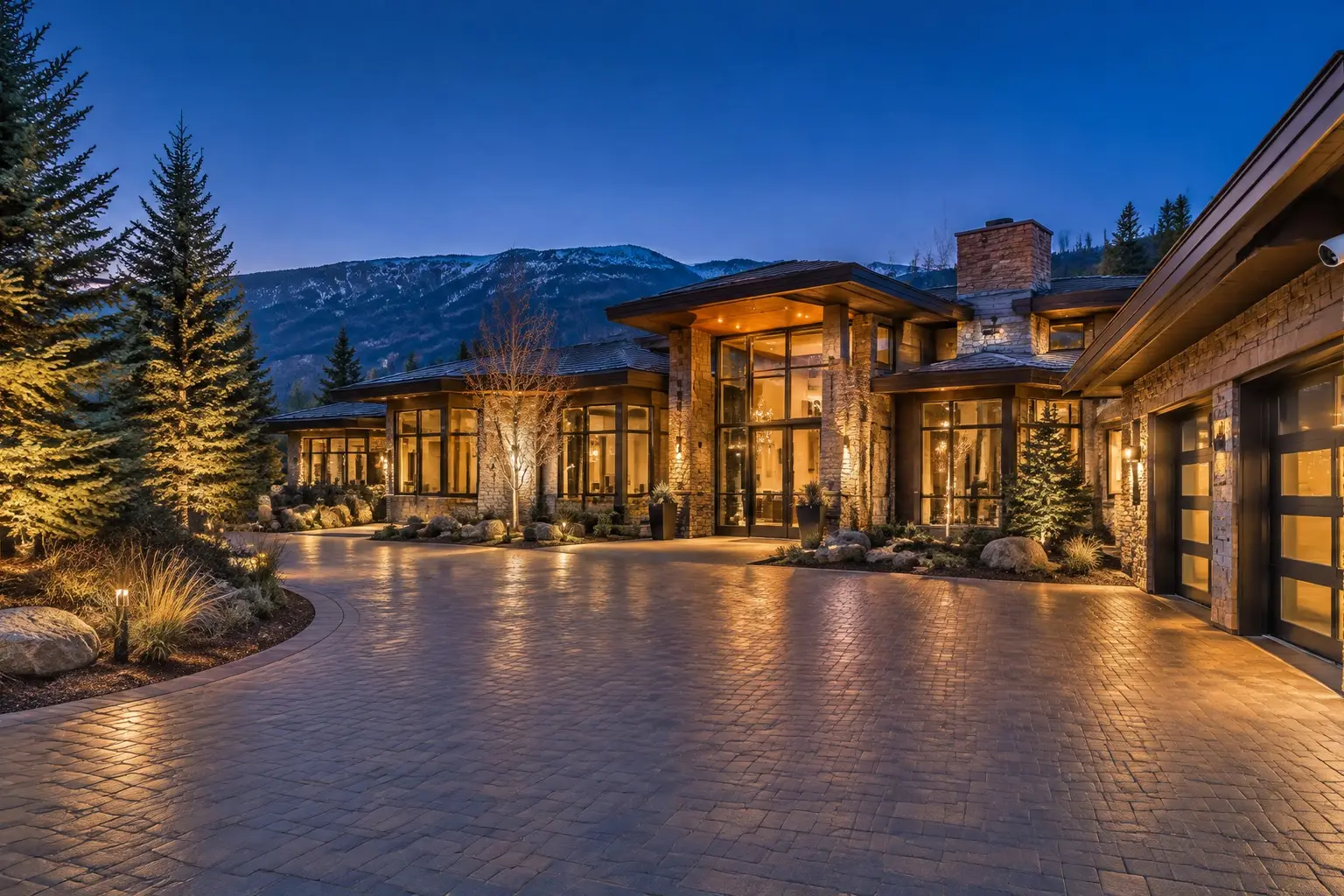
Walk the property
We start with how the house is approached: entries, driveway, gates, garage, the dark side and the views a camera can legally and usefully hold. Existing wiring, panels and prior equipment get checked at the same time.
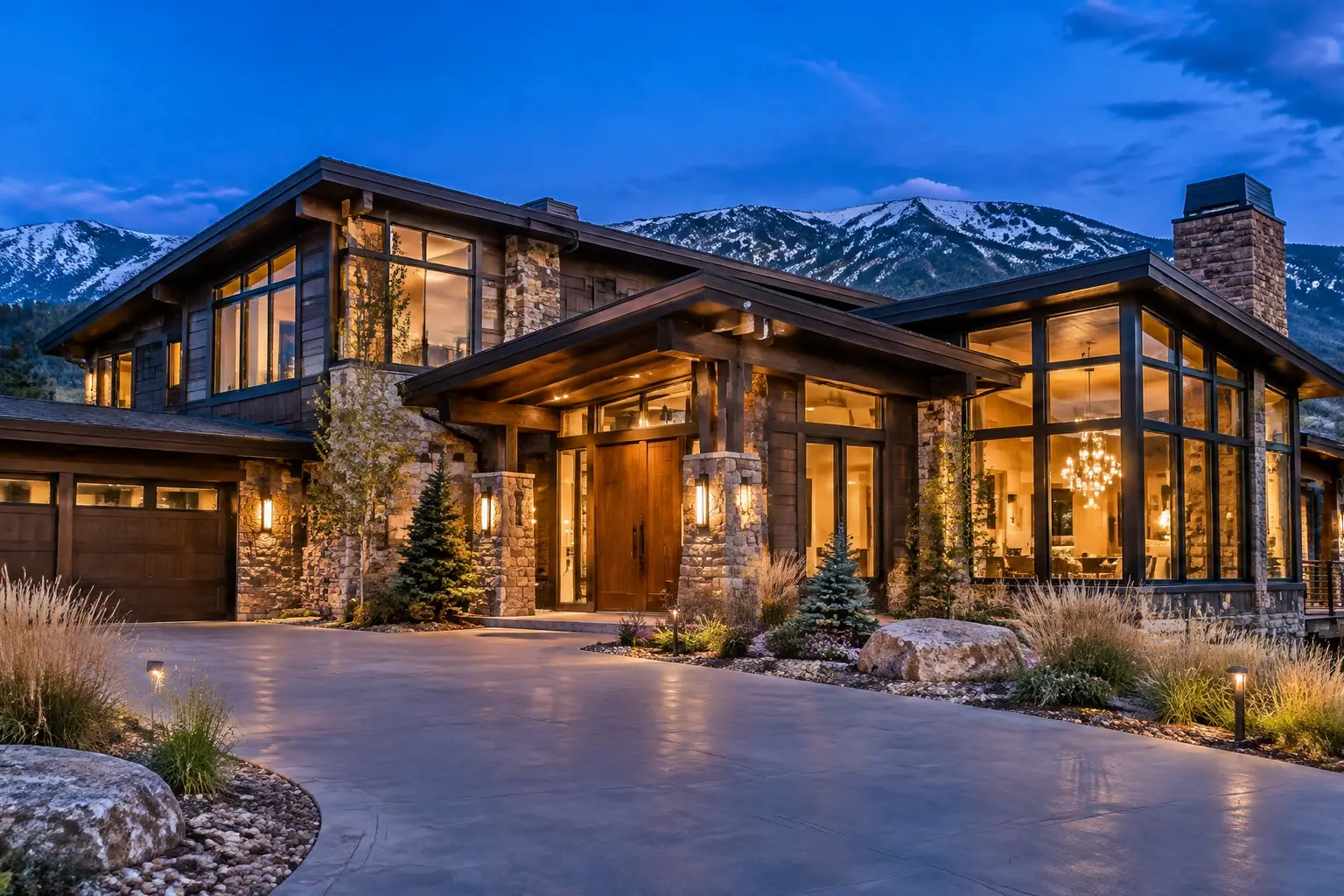
Denver / West / South / North / East metro / Boulder / Front Range
Cameras, surveillance and smart home systems installed around the way your property is actually approached. Planned on site, cabled properly, and handed over so you can use the footage.
A little about the property and what you want covered.
§ 01 / A system you will actually use
Most homes do not need more equipment. They need the right positions: the front door at face height, the driveway where a plate is readable, the back slider, the side gate nobody can see from the street, and the garage door that gets opened more than any other entry in the house.
That plan comes from standing on the property, not from a package tier. Denver lots, Front Range wind, snow load on an eave, a walk-out basement, a corner lot, an HOA that governs exterior elevations: all of it changes where a camera can go and what it can see.
§ 02 / The details
Fourteen systems, each with the scope, the limits and what to confirm before anything is mounted.
A whole-property plan: entries, sensors, cameras and one way to arm it.
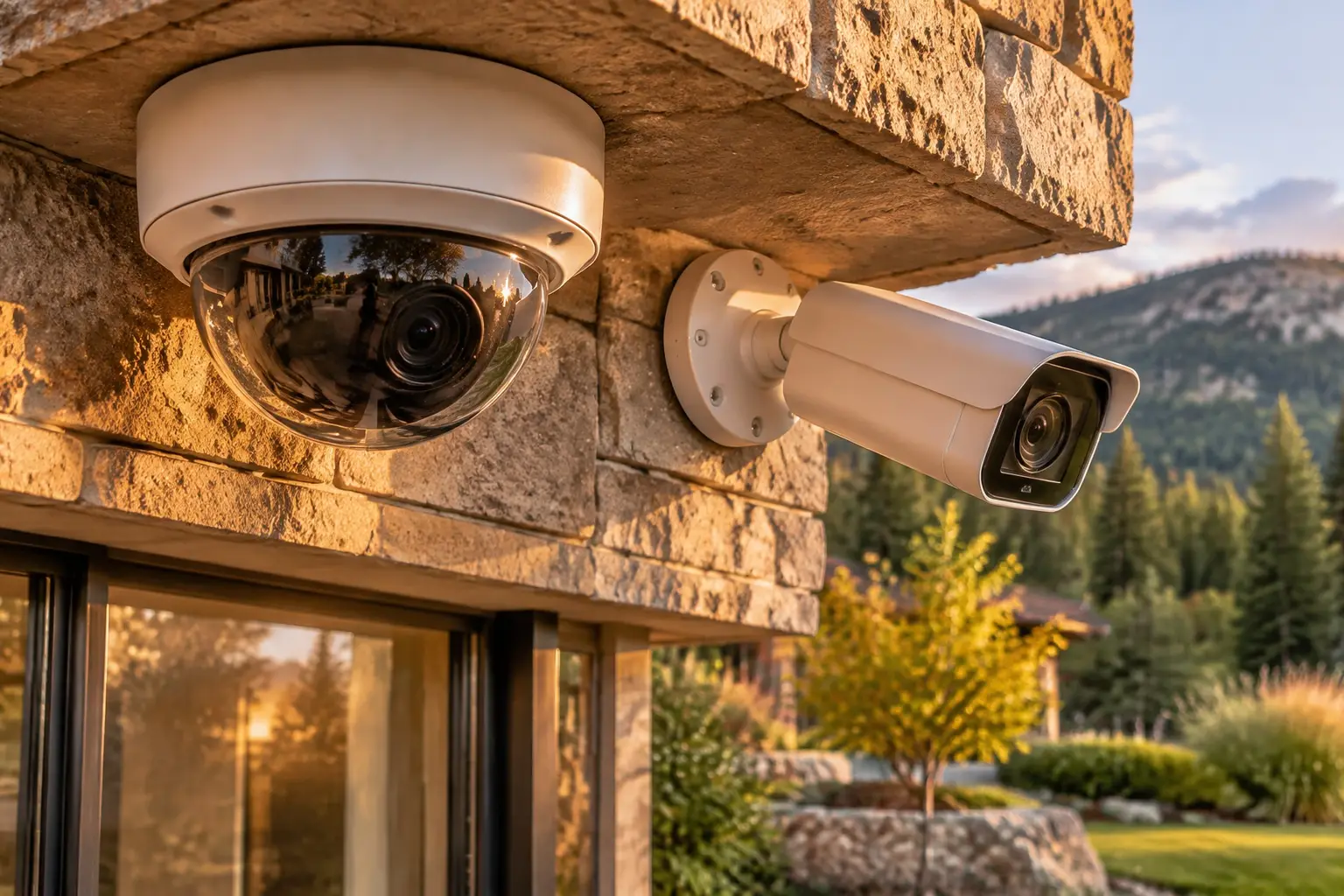
Mounted, aimed and cabled so the footage is actually usable.
Recorded, retained and reviewable across the whole property.
Higher resolution and smarter alerts, without a phone full of noise.
Driveways, gates, long lots and the dark side of the house.
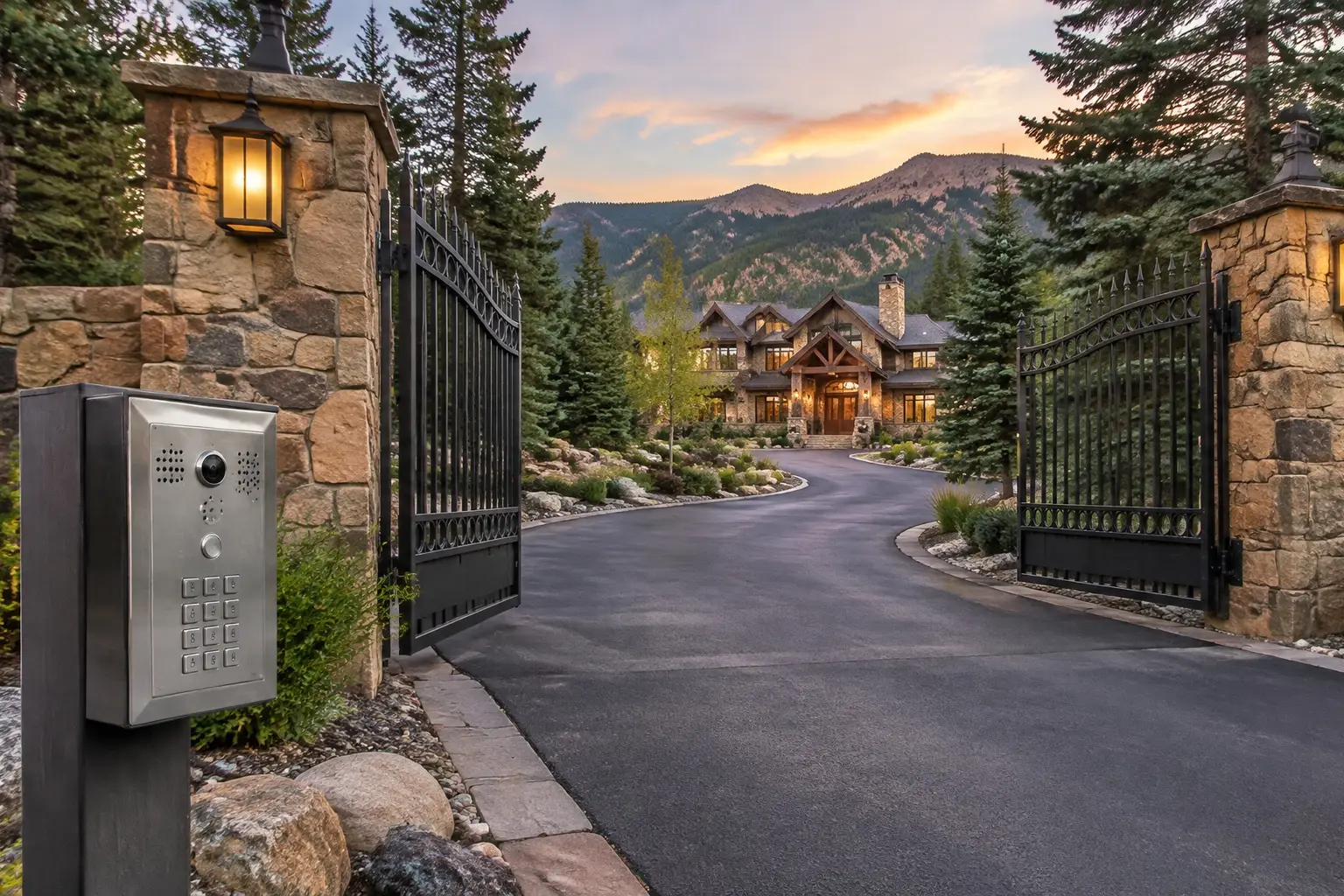
See and speak at the door; control who gets in.
§ 03 / The details
Start with the problem, not the product. Use this to find the right first conversation, then we confirm it on the property.
Start with the approaches you cannot see today. We set positions for the entry, driveway, back door and any blind gate, then size the recorder, storage and network for that camera count.
Explore security camera installation§ 04 / The details
We start with how the house is approached: entries, driveway, gates, garage, the dark side and the views a camera can legally and usefully hold. Existing wiring, panels and prior equipment get checked at the same time.
Camera positions, cable routes, recorder and retention, which devices need power, what the network has to carry, and what the HOA or the municipality requires. Scope and limits are settled before anything is mounted.
Cables run and labelled, devices mounted and aimed on the actual sightline, zones and alerts tuned, then a handover that shows you how to review footage and who has access.
A good system starts with the walk around the house.
The entries, the driveway, what the existing wiring can carry and what the covenants allow. Those four details shape a system worth paying for.
A little about the property and what you want covered.
§ 06 / The details
Camera count, cable routes, recorder and storage, network capacity and the building itself shape the quote. Explore the scope first, then ask for it in writing.
Scope / 01
For a property with no cameras yet.
Scope / 02
For a whole-house camera and alarm plan.
Scope / 03
For a build, remodel or full smart home.
§ 07 / The part nobody shows you
A camera that records is not the same as a camera that helps. Resolution at the distance that matters, a view that holds a face or a plate, infrared that is not blinded by your own porch light, and a recorder that still has the clip a week later.
Then the part that outlives the install: how many days are retained, whether anything leaves the property, who holds an account, and how that account is removed when a household member, tenant or contractor moves on. We write it down at handover.
§ 08 / The details
Find the local guide for your city: the housing stock, the approaches, the permit and covenant questions that come up there.
52 coverage entries
No matching place. Try a nearby city or an area name; a specific address can be confirmed when you request a quote.
City names are a planning guide, not fixed service boundaries.
Each installation depends on the address, the property and the drive.
§ 09 / Common questions
Clear answers before anyone drills a hole. Start with what homeowners ask most.
More answers ↗Start with the ways a property is approached rather than a camera count. Most homes resolve to a front entry, the driveway and garage, the back door or patio, and any side gate that cannot be seen from the street. A long Front Range lot, a corner property or a walk-out basement adds positions. The useful plan covers every entry at a usable angle before it adds overlapping views of the same door.
Wi-Fi cameras are quicker to mount and depend on battery life, signal strength through exterior walls and your upload bandwidth. Wired Power over Ethernet cameras need a cable run back to a switch or recorder but hold a continuous feed, record locally and do not drop off the network when the Wi-Fi changes. Many homes end up with a mix. Decide this before drywall or siding work, because the cabling decision is the expensive one to reverse.
Treat audio as a separate decision from video. Colorado law on recording conversations is not the same as the rules for a video view of your own property, and many systems ship with microphones enabled by default. Review the current statute language with the Colorado General Assembly or your own counsel, decide deliberately whether audio stays on, and tell the household and anyone who works at the property what is recording.
Two separate questions. Covenants in many Denver metro and Front Range subdivisions govern anything visible on an exterior elevation, including conduit, mounts and doorbell replacements. Permits and inspection requirements for low-voltage and electrical work are set by your municipality or county. Check both before the equipment is ordered, not after it is mounted.
Decide retention and access during planning and have it written into the handover. That covers how many days of footage the recorder holds, whether anything leaves the property for cloud storage, who has an account, and how an account is removed when a household member, tenant, cleaner or contractor is no longer involved.
You can send an inquiry through the website form. It does not book an installation or confirm a date; our team will follow up to discuss the property, the scope and availability.
The city hubs and the coverage directory are organised from Denver outward through the west, south, north and east metro, Boulder Valley and the northern Front Range corridor. Smaller communities are named inside the nearest hub rather than given a thin page of their own. A specific address, the drive distance and the scope still need confirming before an installation is scheduled.
§ 10 / The details
Practical guides to camera placement, surveillance planning, wiring and the Colorado rules that apply.
A practical guide to planning home security for a Colorado property: working out which approaches actually matter, deciding what each camera is for, choosing between wired and…
Read the guide ↗Field notes / 02Where cameras belong on a Colorado home, the heights and angles that actually hold a face or a licence plate, the positions that waste a camera entirely, and the specific…
Read the guide ↗Field notes / 03How to plan a home surveillance system before buying anything: how many cameras a property actually needs, how recorder and storage capacity translate into days of retention, what…
Read the guide ↗Cameras where they matter. Nothing you cannot use.