Security cameras, surveillance & smart home · Denver metro and the Front Range Find your city ↗ Call (720) 487-1226
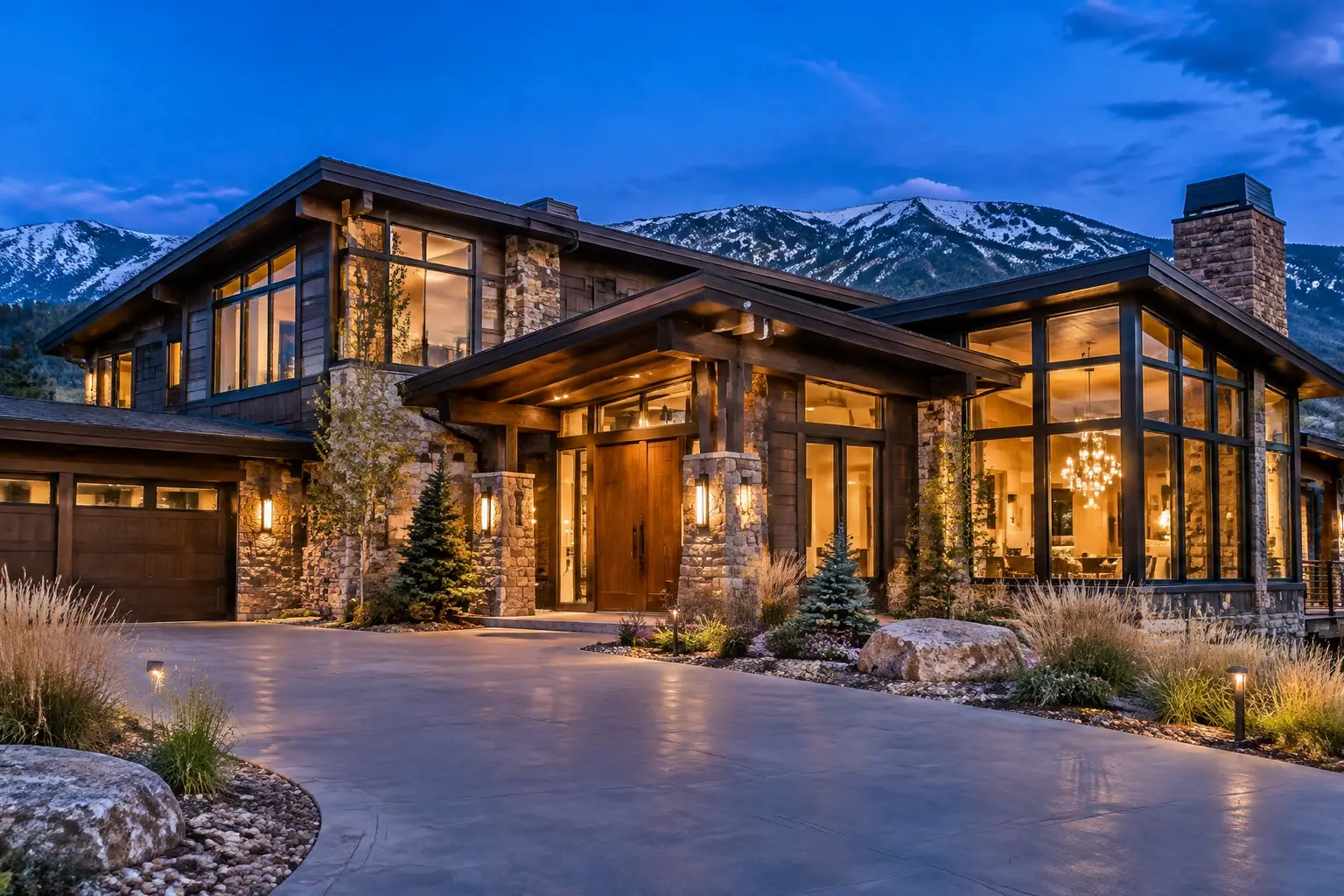
Large stone and timber Front Range home at dusk, warm lit windows, with an exterior security camera above the entry

THE PART THAT LASTS

Structured Network Cabling in Denver, CO

Cabling is the one part of a connected home that is cheap to do during construction and expensive to add afterwards. It also outlives everything plugged into it: cameras, access points, displays and hubs will all be replaced before the cable is. Structured cabling means a home run from a central panel to every device position, labelled at both ends, tested, and sized for what the house will carry rather than what is being installed this month. On a remodel or a build, this is the work to get right.

Planned on the propertyEntries and sightlines firstWritten scopeCabling, zones and retention agreed
Your property. Watched properly.Request form

Request a quote

A little about the property and what you want covered.

Your inquiry goes to our team. Sending a request does not schedule an installation; we will follow up about the property, the scope and availability.

§ 01 / The details

Start with a clear scope.

Use these items to frame the conversation. Final inclusions depend on the property, the existing wiring and the agreed plan.

  • Home run cabling from a central panel to every device position
  • Camera, access point, display, doorbell, keypad and garage positions included
  • Spare runs at key positions while walls are open
  • Panel location chosen for access, ventilation, power and flood risk
  • Patch panel, switch and Power over Ethernet budget sized for the full device list
  • Spare capacity designed into the panel and the switch
  • Conduit or pull strings to projector, outdoor and underground routes
  • Fibre for long outdoor runs and separate buildings where appropriate
  • Correct separation from mains and careful handling to avoid damaged runs
  • Every run terminated, tested and recorded
  • Labelled both ends, with a plan, panel photos and test results handed over

§ 02 / The system

A home run to every position

Structured cabling is a star: every outlet runs back to one panel rather than daisy-chaining between rooms. That is what makes a house diagnosable later, because a problem at one position is one cable, not a chain. It also means any position can become anything: a camera, an access point, a display, a doorbell, a hub or a speaker amplifier.

The positions worth cabling are more numerous than people expect and cost little extra while walls are open: every camera position including the ones you will add later, every ceiling spot where an access point might go, behind every television, at the equipment rack, at the doorbell and keypad, in the garage, and at any out building. Two cables are often better than one at a position, because the second costs almost nothing now and saves opening a wall later.

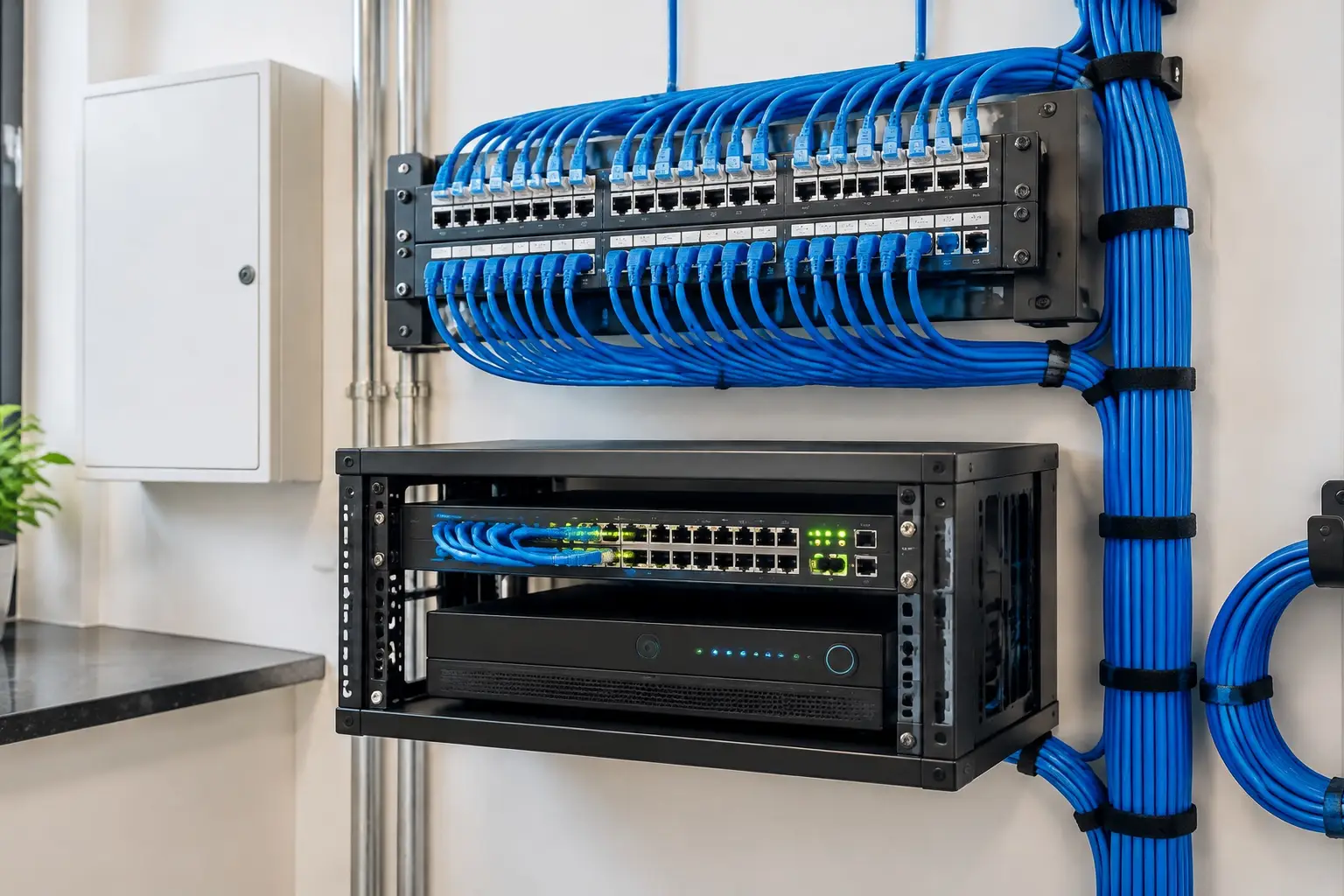
A structured wiring panel with labelled network cables feeding a switch and a video recorder

§ 03 / The details

The panel: where it goes and what lives in it

The central panel is the heart of the system and it is routinely put somewhere terrible. It needs to be accessible, ventilated, out of living space because equipment makes noise and heat, protected from flooding if it is in a basement, and near both a power circuit and the incoming service. A tall utility closet, a basement mechanical area or a dedicated enclosure in a mud room all work. The back of a finished closet with no airflow does not.

Inside it: a patch panel for the runs, a switch with enough Power over Ethernet budget for the cameras and access points, the recorder if you are recording locally, the router, and ideally battery backup. Leave room. Every system we are called back to extend is limited by a panel with no spare ports and no space, which turns a half-hour job into an afternoon.
§ 04 / The system

Cable choice, power over Ethernet and future proofing

For a home, a good quality shielded or unshielded twisted pair of the current standard category is the right default for almost every run, properly terminated. Over-specifying cable rarely pays, but under-specifying the install quality always costs: kinked runs, overtightened staples, untested terminations and cable run alongside mains without separation are the failures we find.

Power over Ethernet changes the planning. Cameras, access points, doorbells, keypads and some displays can all take power down the data cable, which means the switch budget has to be calculated rather than assumed. Put conduit where you can, especially to a projector, a theater wall and anywhere outdoors or underground, because conduit means the next cable standard is a pull rather than a rebuild. For long outdoor runs or separate buildings, fibre is the right answer and is worth the extra cost once.

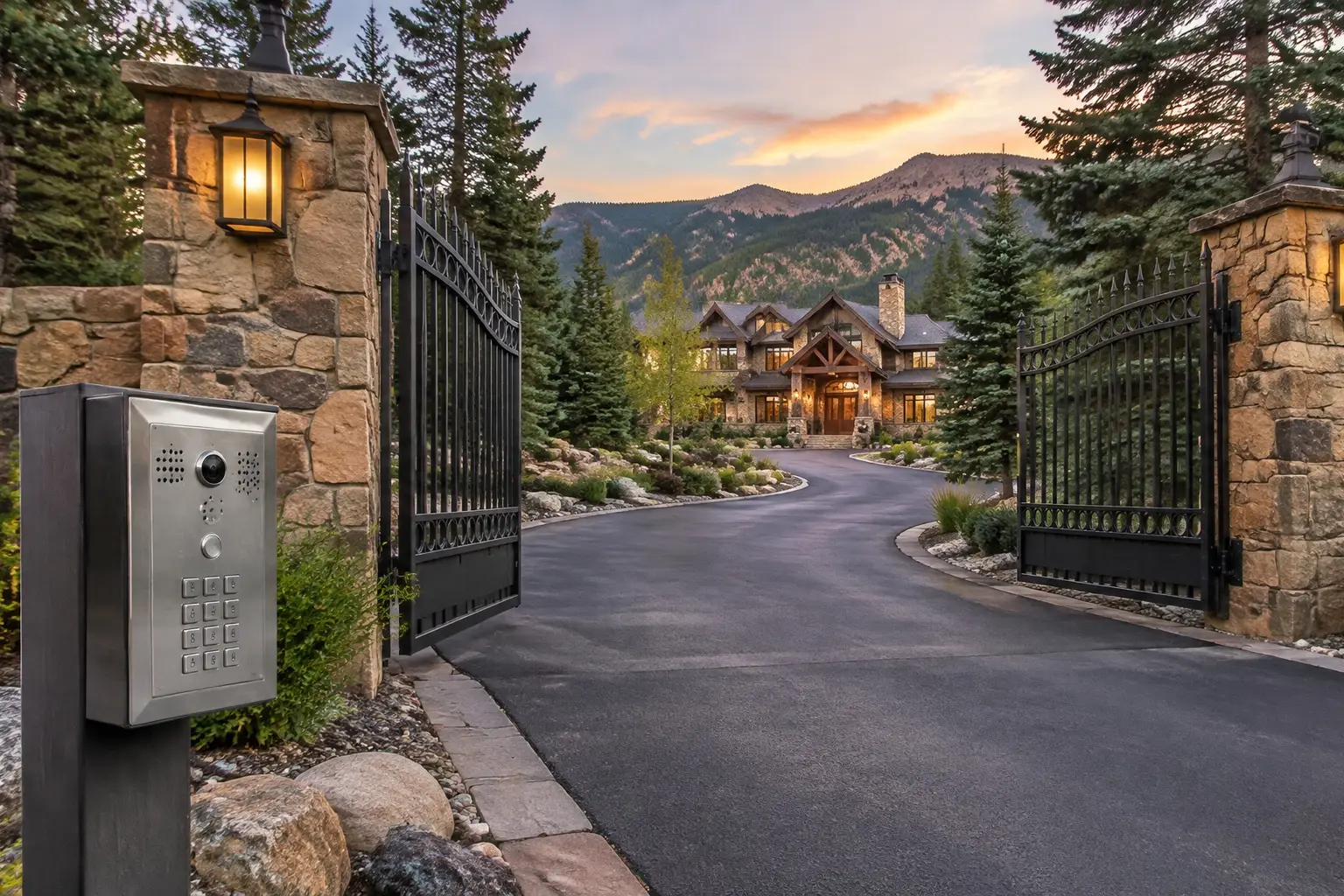
A gated private driveway entrance with stone pillars, an intercom keypad and a large home set back beyond the gates

§ 05 / The details

Testing, labelling and documentation

An install is not finished when the cables are in. Each run should be terminated, tested and recorded, so a position that misbehaves later can be checked rather than guessed at. Labels go on both ends and match the patch panel, and the labelling scheme should be obvious to someone who has never seen the house.

The documentation is the deliverable that matters in five years: a plan showing each outlet and its number, a panel photograph, the test results, and a note of what is connected where. We hand that over as a file you keep, which is the difference between a future electrician or installer working in an hour and spending a day tracing. On a remodel we also photograph the open walls before they close, which is the single most useful record any homeowner can have.

§ 06 / Common questions

The questions
worth asking first.

Clear answers before anyone drills a hole. Start with what homeowners ask most.

More answers ↗

Is cabling still worth it when everything is wireless?

More than ever, because the wireless devices work far better with wired backhaul. Access points, cameras, displays and hubs all perform better on cable, and the cable is the only part of the system that will not be replaced in a decade. Wireless is for the devices that move.

How many cables should I run to each spot?

At least one, and two at positions that matter: behind televisions, at access point locations and at the equipment panel. While the wall is open the second cable costs very little; afterwards it costs a wall repair. The same logic applies to running cable to camera positions you have not bought cameras for yet.

Can cable be added to a finished house?

Often, yes, and how easily depends entirely on the building: an accessible attic or basement makes it straightforward, while a two-story with no attic above part of it, stucco exterior or a finished basement ceiling is harder. We identify the practical routes during the walk and quote against the building rather than an average.

Where should the network panel go?

Somewhere accessible and ventilated, out of living space, off the floor if it is in a basement, near power and near where the internet service enters. Equipment makes heat and noise, so a mechanical room, utility closet or mud-room enclosure is better than a bedroom closet.

Do you test and document the runs?

Yes, and we consider it part of the job rather than an extra. Every run is terminated, tested and labelled at both ends, and you receive a plan, panel photographs and the results. On a remodel we also photograph open walls before they are closed.

§ 07 / The details

Local installation. Metro-wide planning.

Choose your area for the local approaches, permit questions and covenant rules that come up there.

A good system starts with the walk around the house.

Tell us about
the property.
And the blind spots.

The entries, the driveway, what the existing wiring can carry and what the covenants allow. Those four details shape a system worth paying for.

  • Say which approaches you cannot see today.
  • Tell us about existing cabling, panels or a prior system.
  • Agree the scope, the zones and the retention before work starts.
Your property. Watched properly.Request form

Start with your property

A little about the property and what you want covered.

Your inquiry goes to our team. Sending a request does not schedule an installation; we will follow up about the property, the scope and availability.

Cameras where they matter. Nothing you cannot use.

Know what
happens at
your door.

Call (720) 487-1226
Colorado Home Security · DenverCall (720) 487-1226
Your property. Watched properly.Request form

Before you go: want a camera plan?

A little about the property and what you want covered.

Your inquiry goes to our team. Sending a request does not schedule an installation; we will follow up about the property, the scope and availability.