Security cameras, surveillance & smart home · Denver metro and the Front Range Find your city ↗ Call (720) 487-1226
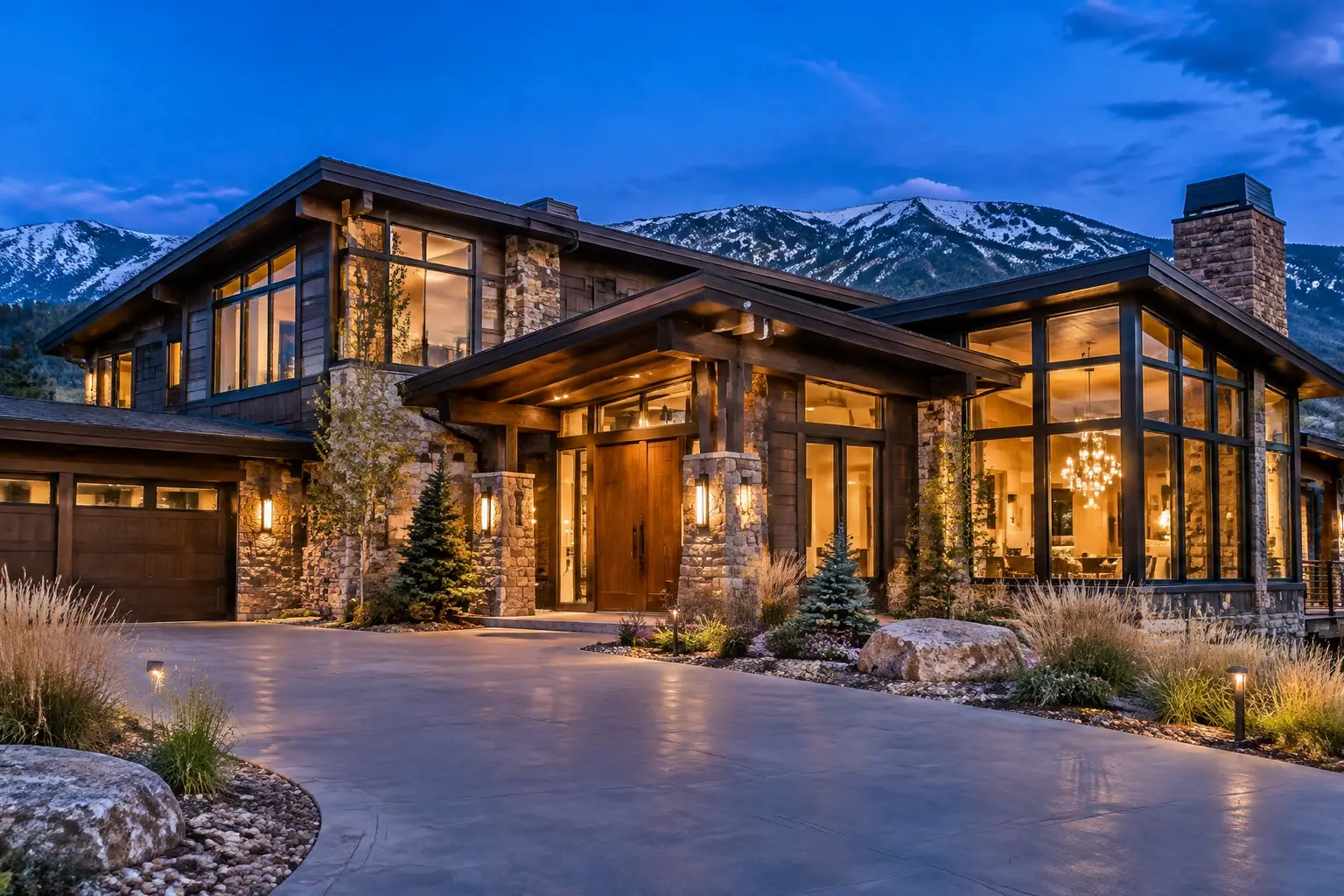
Large stone and timber Front Range home at dusk, warm lit windows, with an exterior security camera above the entry

COVERAGE THAT HOLDS

Wi-Fi & Network Installation in Denver, CO

Wi-Fi is the layer everything else depends on, and it is the most common reason a camera system, a smart home or a streaming setup disappoints. One router in a corner of the house cannot cover a two-story with a finished basement, a detached garage and a yard, and adding mesh nodes that talk back over the same congested radio only moves the problem. Good coverage comes from access points placed deliberately, fed by cable, with capacity for the number of devices a modern household actually runs.

Planned on the propertyEntries and sightlines firstWritten scopeCabling, zones and retention agreed
Your property. Watched properly.Request form

Request a quote

A little about the property and what you want covered.

Your inquiry goes to our team. Sending a request does not schedule an installation; we will follow up about the property, the scope and availability.

§ 01 / The details

Start with a clear scope.

Use these items to frame the conversation. Final inclusions depend on the property, the existing wiring and the agreed plan.

  • A site survey of the actual building, including basement and exterior
  • Access point count and placement planned for people and devices
  • Wired backhaul to every access point wherever a route exists
  • Honest assessment of where wireless backhaul is the only option
  • Channel, band and power settings tuned so devices hand off cleanly
  • Device count and capacity checked against the household's real inventory
  • Internet service speed tested, with attention to upload for cameras
  • Wired connections prioritised for cameras, recorders and displays
  • Camera substreams and quality configured so remote access stays usable
  • Guest and device network separation where the equipment supports it
  • Default credentials replaced, firmware updated, and the setup documented

§ 02 / The system

Why one router is not enough

A single router has to cover a building in every direction from wherever the internet service happens to enter, which is usually a corner. Add a floor, a finished basement, plaster or brick walls, foil-backed insulation, a stucco exterior and the typical Front Range layout, and the far corners of the house get a signal strong enough to connect and too weak to work well. Devices in that condition behave worse than devices with no signal: they hold on, retry, and fill the air with traffic.

The fix is coverage by design. Two, three or four access points placed where people and devices are, each fed by cable, on channels that do not fight each other, with power levels set so devices hand off cleanly instead of clinging to a distant radio. That is a different exercise from buying a bigger router.

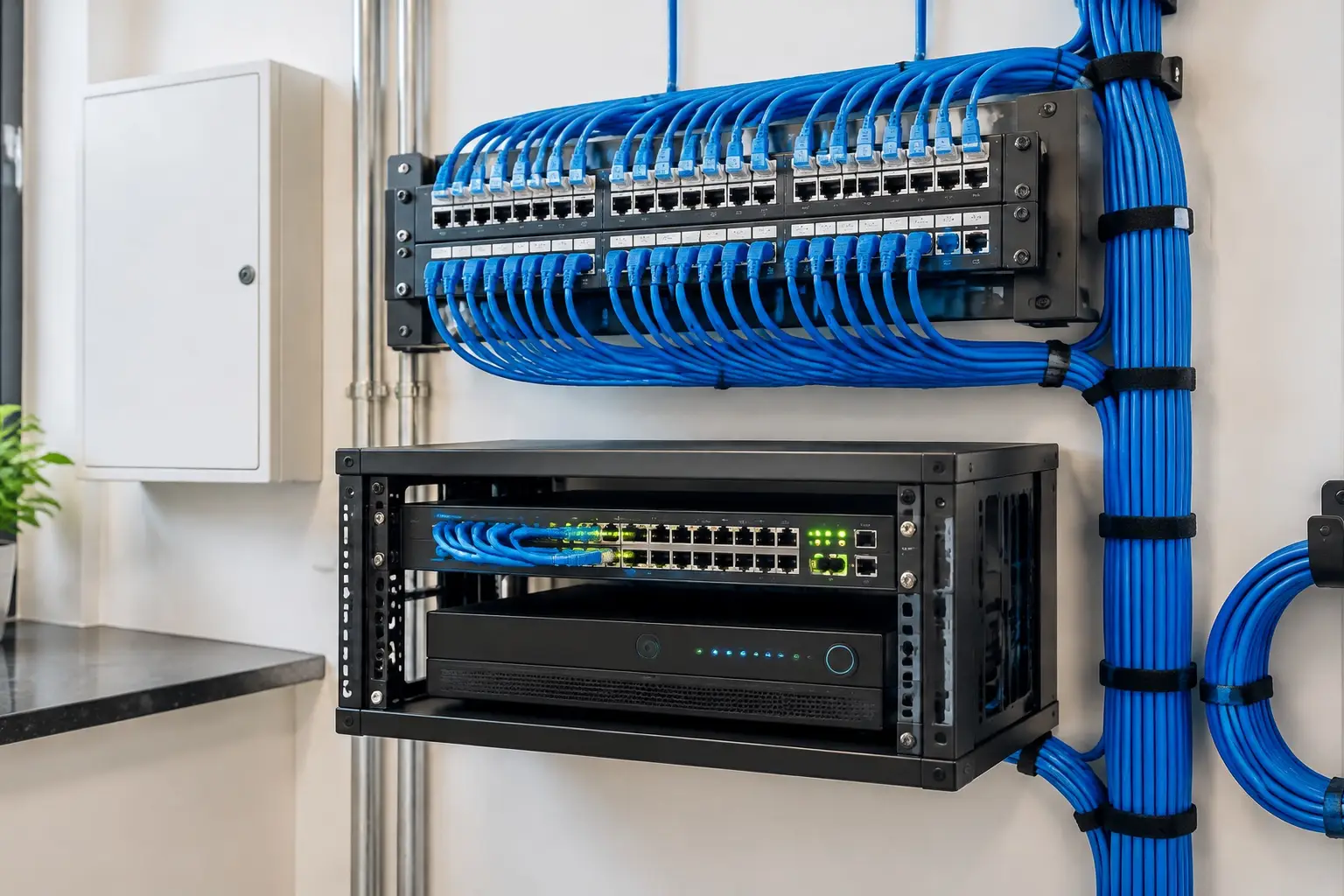
A structured wiring panel with labelled network cables feeding a switch and a video recorder

§ 03 / The details

Wired backhaul, mesh and honest expectations

Mesh systems are genuinely useful where cable cannot reach, and they are consistently oversold. A mesh node that reaches the internet by radio through the same congested air it is serving will roughly halve throughput at that node and add latency, which matters most for the things people notice: video calls, cameras and gaming.

Where a cable can be run to each node, a mesh system becomes a properly cabled multi-access-point network and performs like one. That is the arrangement we aim for, and it usually means one or two strategic cable runs rather than a whole structured cabling project. Where cable truly cannot go, we place the node where it has a clean path, set expectations honestly, and avoid chaining one wireless node off another.

§ 04 / The system

Capacity, cameras and the device count

A current household runs a surprising number of connected devices: phones, laptops, televisions, speakers, a doorbell, cameras, a thermostat, bulbs, switches, a printer, a car charger. Each one is small traffic and a share of the network's attention, and automation devices in particular are chatty and intolerant of a weak connection.

Cameras change the arithmetic again. Local recording keeps camera traffic on your own network, which is why wired cameras and a local recorder are easier on an internet connection than cloud cameras. Remote viewing and cloud upload use upload bandwidth, which on many Colorado connections is the scarce direction. We check the actual service speed, plan which devices belong on wire, and configure substreams and quality so remote access does not saturate the connection every time someone opens the app.

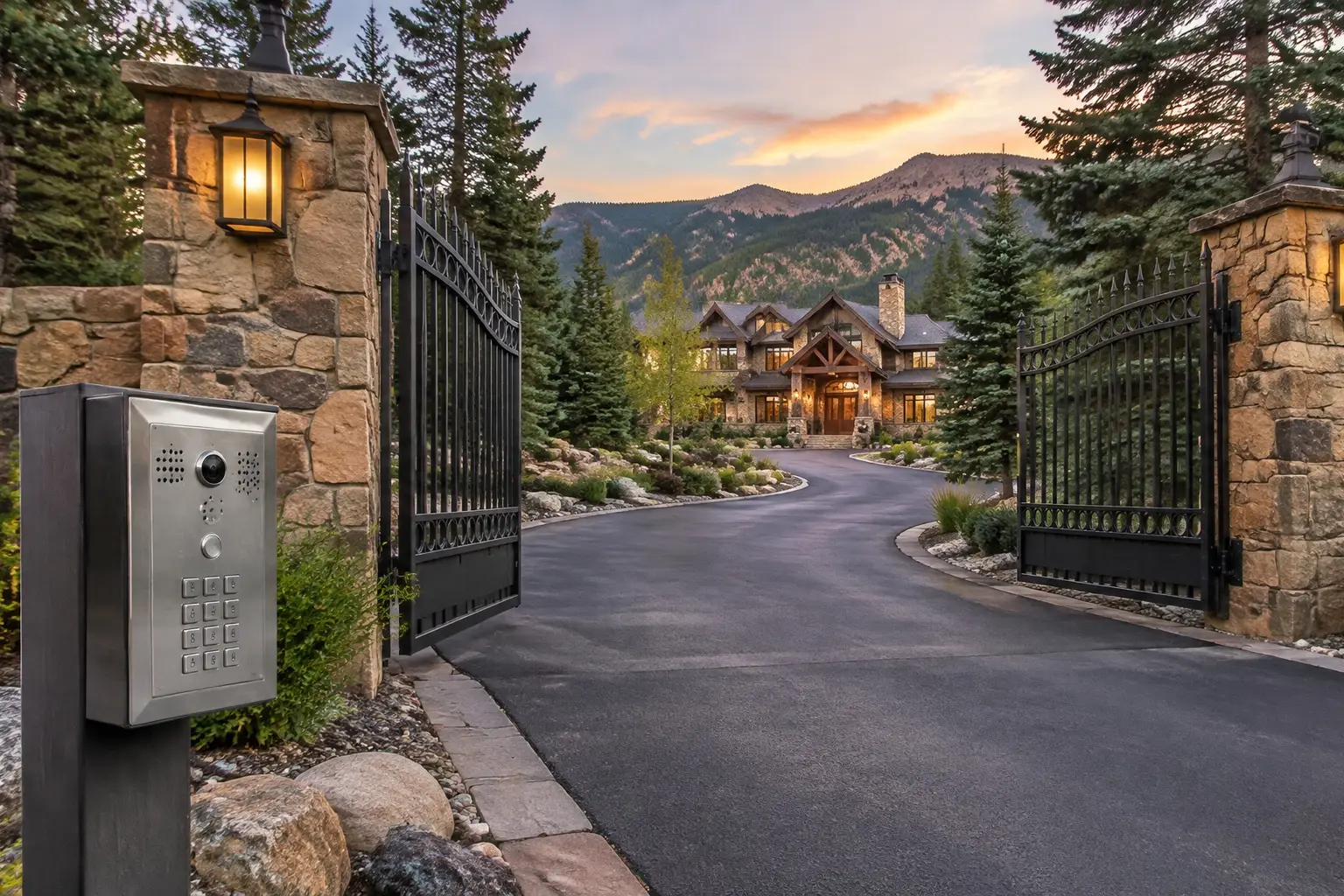
A gated private driveway entrance with stone pillars, an intercom keypad and a large home set back beyond the gates

§ 05 / The details

Yards, shops and the edge of the property

Coverage outside the house is its own job. A patio or deck is usually served by an access point placed just inside or under an eave. A yard, a detached garage, a shop, a barn or a gate is not: it needs an outdoor-rated access point, a cable or fibre route, or a point-to-point wireless bridge aimed properly, and each option has a real cost worth seeing in the quote.

Security and tidiness matter here too. Guest access separated from the main network, automation and camera devices kept on their own segment where the equipment supports it, default credentials replaced, firmware kept current, and remote management locked down. None of that is exotic, and all of it is routinely skipped. We set it up, write down what is where, and leave a network someone else can administer.
§ 06 / Common questions

The questions
worth asking first.

Clear answers before anyone drills a hole. Start with what homeowners ask most.

More answers ↗

Will a mesh system fix my dead spots?

Sometimes, and it works far better when each node is fed by a cable. A node that backhauls over congested radio gives you a connection with poor throughput, which can be worse than no coverage because devices cling to it. One or two strategic cable runs usually transform a mesh system's performance.

How many access points does a house need?

It depends on size, layout and construction more than square footage: a compact two-story with a finished basement may need three, while an open single-story may need two. Plaster, brick, stucco, foil-backed insulation and tile all cut signal. We survey rather than estimate from a floor plan.

Do security cameras slow down my internet?

Cameras recording locally use your internal network, not your internet connection. What uses the internet is remote viewing and cloud upload, and that consumes upload bandwidth, which is usually the limited direction. Configuring lower-resolution substreams for remote viewing solves most of it.

Can you get Wi-Fi to the garage or the back of the yard?

Yes, with the right method: an outdoor-rated access point, a cable or fibre run, or an aimed point-to-point bridge for a detached building. We price the route explicitly, because stretching house Wi-Fi outdoors is the approach that disappoints most often.

Should my cameras be on a separate network?

Where the equipment supports it, separating cameras and automation devices from the household network is good practice: it limits what a compromised device can reach and keeps traffic tidy. We set it up where it is practical and explain the trade-offs where it complicates remote access.

§ 07 / The details

Local installation. Metro-wide planning.

Choose your area for the local approaches, permit questions and covenant rules that come up there.

A good system starts with the walk around the house.

Tell us about
the property.
And the blind spots.

The entries, the driveway, what the existing wiring can carry and what the covenants allow. Those four details shape a system worth paying for.

  • Say which approaches you cannot see today.
  • Tell us about existing cabling, panels or a prior system.
  • Agree the scope, the zones and the retention before work starts.
Your property. Watched properly.Request form

Start with your property

A little about the property and what you want covered.

Your inquiry goes to our team. Sending a request does not schedule an installation; we will follow up about the property, the scope and availability.

Cameras where they matter. Nothing you cannot use.

Know what
happens at
your door.

Call (720) 487-1226
Colorado Home Security · DenverCall (720) 487-1226
Your property. Watched properly.Request form

Before you go: want a camera plan?

A little about the property and what you want covered.

Your inquiry goes to our team. Sending a request does not schedule an installation; we will follow up about the property, the scope and availability.