Security cameras, surveillance & smart home · Denver metro and the Front Range Find your city ↗ Call (720) 487-1226
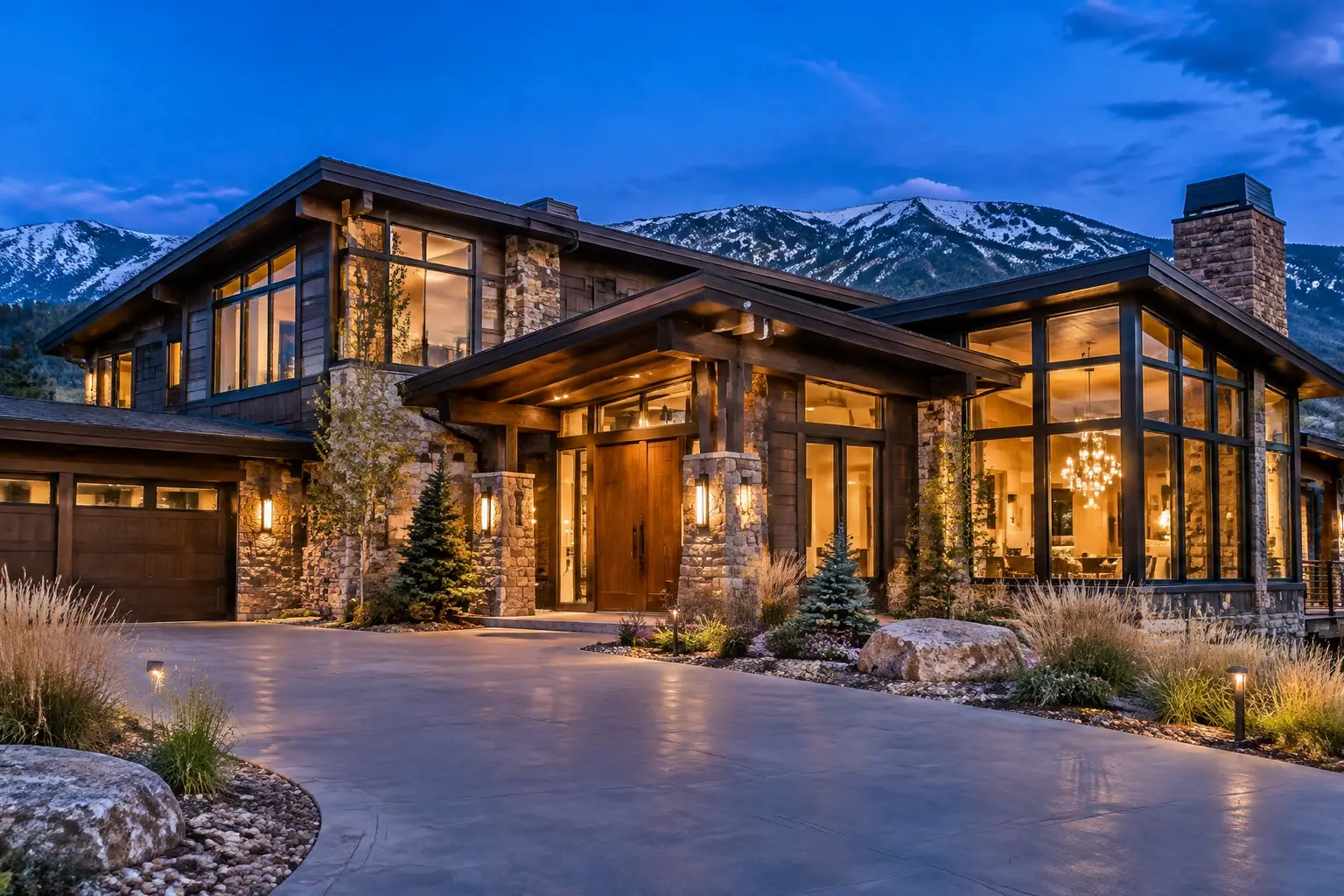
Large stone and timber Front Range home at dusk, warm lit windows, with an exterior security camera above the entry

THE ROOM YOU HAVE

Home Theater Installation in Denver, CO

A home theater is a room problem before it is an equipment problem. Seating distance sets screen size. Ceiling height and wall construction set what the speakers can do. A finished Front Range basement with a low ceiling, a soffit full of ductwork and one long wall has different answers than a bonus room over a garage with a vaulted ceiling and three windows. We plan the room first, then specify what suits it, then hide the cabling properly.

Planned on the propertyEntries and sightlines firstWritten scopeCabling, zones and retention agreed
Your property. Watched properly.Request form

Request a quote

A little about the property and what you want covered.

Your inquiry goes to our team. Sending a request does not schedule an installation; we will follow up about the property, the scope and availability.

§ 01 / The details

Start with a clear scope.

Use these items to frame the conversation. Final inclusions depend on the property, the existing wiring and the agreed plan.

  • Seating positions measured and screen size derived from viewing distance
  • Sightline and screen height checked for every seat, including a riser
  • Room light assessed to decide between projector and direct-view display
  • Projector throw, mounting, lens shift and ventilation planned
  • Screen material chosen for the room's light conditions
  • Speaker layout set from the seating position, not the room corners
  • Subwoofer position tested by listening rather than assumed
  • In-wall and in-ceiling speaker cavities checked, with backer boxes where needed
  • Practical acoustic treatment advice that suits a living space
  • Conduit or pull strings to the projector and display for future cabling
  • Single-remote or app operation with labelled inputs at handover

§ 02 / The system

Seating, screen size and sightlines

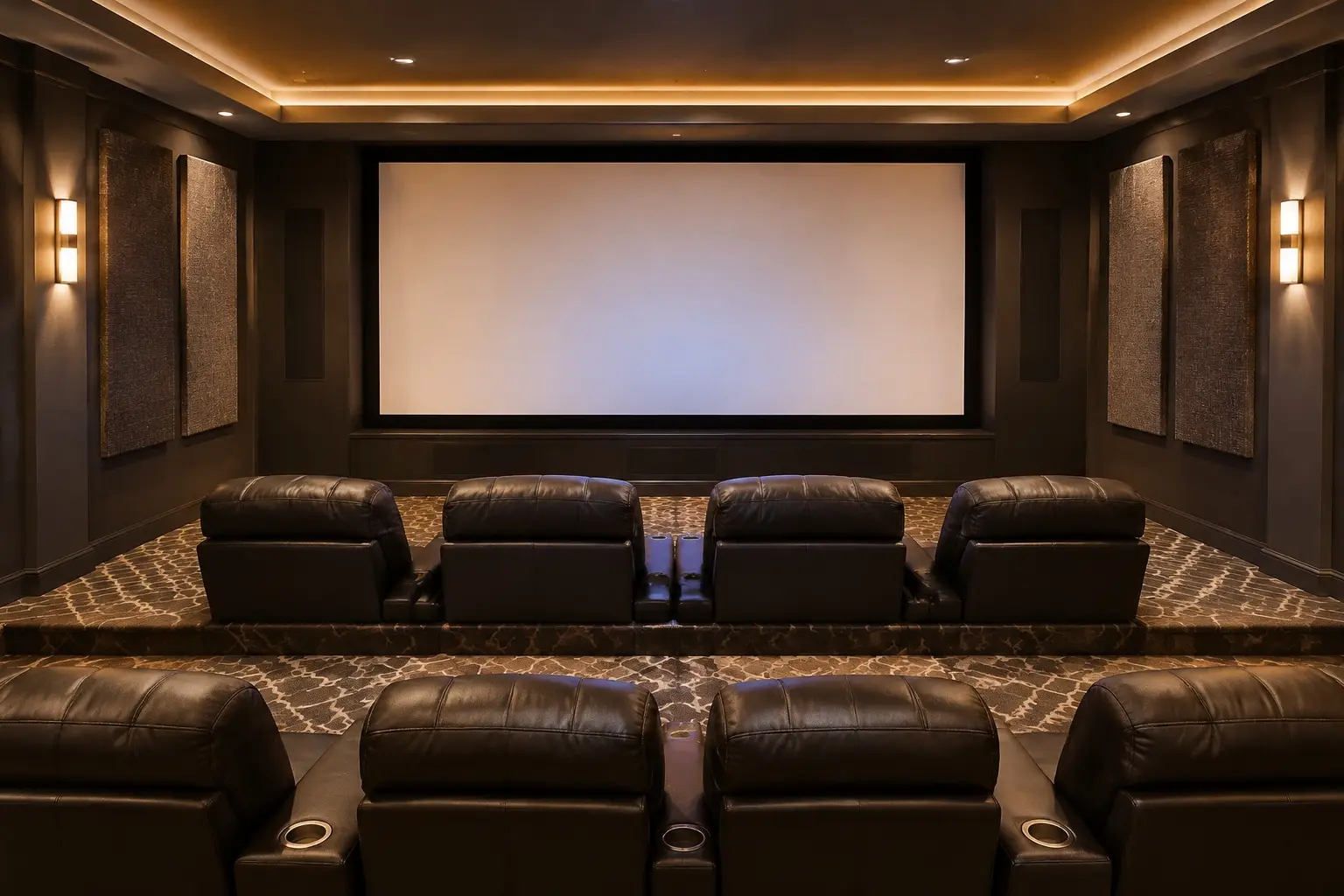
Start with where people sit, because everything else follows. The distance from the primary seats to the screen sets the screen size, not the other way round, and the most common mistake in home theaters is a screen too large for the viewing distance, which makes the front row uncomfortable and the pixel structure visible.

Then sightlines and height. A screen centred too high, which happens when it is mounted above a fireplace, means every viewer watches with their neck extended for two hours. In a basement room with a low ceiling, raising rear seating on a riser solves a sightline problem but has to clear the ceiling and any soffit. We work this out with measurements and masking tape on the floor before anything is ordered, because a projector throw distance or a riser position is not something to discover after delivery.

A home theater room with tiered leather seating facing a large projection screen and acoustic wall panels

§ 03 / The details

Projector or display, and the light in the room

The choice turns on light control. A room that can be made genuinely dark suits a projector and a screen, and that combination still gives the most convincing large image for the money. A room with windows on two walls, a stair opening or glass doors to the rest of the house will defeat most projectors, and a large direct-view display will look better for more of the day.

Colorado adds bright, high-altitude daylight, so rooms people describe as dim are often not. We measure, or at least test with a borrowed source, before committing. If a projector is right, the throw distance, mounting position, lens shift and ventilation all need planning, and the screen material should be chosen for the room rather than bought by brand. If a display is right, size, viewing angle and reflection control matter more than the feature list.
§ 04 / The system

Speakers, acoustics and the structure

Speaker layout follows the seating. Left, centre and right across the screen at ear height for the seated position; surrounds placed for the seats, not the corners; subwoofer position chosen by listening rather than convenience, because bass response in a rectangular basement room varies enormously by a few feet. Height channels, if the room is getting them, need a ceiling that can take them and a layout that matches the format.

In-wall and in-ceiling speakers keep a room tidy and need backer boxes or at least an understanding of what is in the cavity. Acoustics do more for perceived quality than upgrading electronics: a bare drywall basement with a hard floor will sound harsh and boomy no matter what is in the rack. Soft furnishing, a rug, first-reflection treatment and some attention to the back wall make a far bigger difference than most people expect, and they can be done tastefully rather than making a room look like a studio.

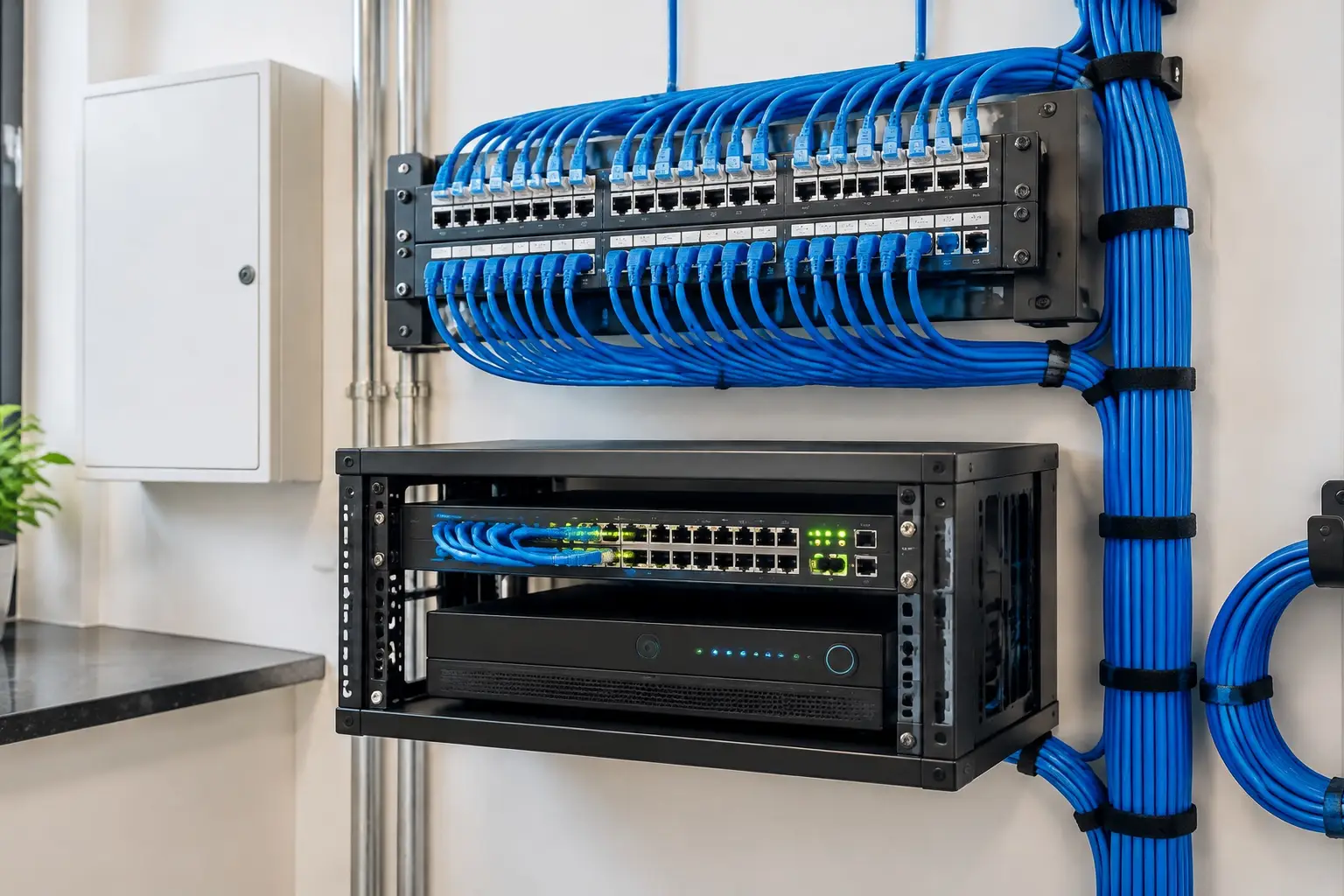
A structured wiring panel with labelled network cables feeding a switch and a video recorder

§ 05 / The details

Cabling, equipment location and the rack

Run the cable once, generously. That means conduit to the projector position if there is any chance of a future change, more speaker runs than the current layout needs, and a wired network drop at the equipment position and the display. HDMI standards keep moving, so a pull string or conduit to the screen is worth more than any specific cable bought today.

Where the equipment lives matters for noise and heat. A rack in the room means fan noise during quiet scenes; a rack in a closet or adjacent utility space needs ventilation and a plan for remote control, usually an infrared repeater or network control. We also keep the daily operation simple: one remote or one app that turns the room on, and labelled inputs, so the household can watch something without a lesson. A theater that only one person can operate is a hobby, not a room.

§ 06 / Common questions

The questions
worth asking first.

Clear answers before anyone drills a hole. Start with what homeowners ask most.

More answers ↗

How big should the screen be?

It follows from how far away the seats are. Measure the distance from the main seating to the screen wall first; that sets a sensible range. Going larger than the range makes the front seats uncomfortable and exposes the image structure, which is why the biggest screen that fits the wall is usually the wrong answer.

Can I put a theater in my basement?

Basements are often the best room in a Front Range house for it, because light control is easy. The constraints are ceiling height, ductwork and soffits, support columns, and bass behaviour in a sealed rectangular space. Those are all workable if they are considered before equipment is bought.

Projector or a big TV?

Light control decides it. If the room can be made properly dark, a projector gives a more cinematic image for the money. If there are windows on multiple walls or an open stair, a large display will look better for more hours of the day. We test the room rather than guess.

Is a TV over the fireplace a bad idea?

Usually, yes, for viewing comfort: it puts the screen well above seated eye level and asks everyone to watch with their neck extended. Heat and cabling are secondary concerns. Where the room leaves no alternative, we look at a lower mount, a different wall or a pull-down arrangement before accepting it.

Do I need acoustic treatment?

Some, and it does not have to look like a studio. A rug, soft furnishings and treatment at the first reflection points will improve a hard-surfaced basement room more than spending the same money on electronics. We suggest what suits the room as a living space.

§ 07 / The details

Local installation. Metro-wide planning.

Choose your area for the local approaches, permit questions and covenant rules that come up there.

§ 08 / The details

Related systems for the same property.

A good system starts with the walk around the house.

Tell us about
the property.
And the blind spots.

The entries, the driveway, what the existing wiring can carry and what the covenants allow. Those four details shape a system worth paying for.

  • Say which approaches you cannot see today.
  • Tell us about existing cabling, panels or a prior system.
  • Agree the scope, the zones and the retention before work starts.
Your property. Watched properly.Request form

Start with your property

A little about the property and what you want covered.

Your inquiry goes to our team. Sending a request does not schedule an installation; we will follow up about the property, the scope and availability.

Cameras where they matter. Nothing you cannot use.

Know what
happens at
your door.

Call (720) 487-1226
Colorado Home Security · DenverCall (720) 487-1226
Your property. Watched properly.Request form

Before you go: want a camera plan?

A little about the property and what you want covered.

Your inquiry goes to our team. Sending a request does not schedule an installation; we will follow up about the property, the scope and availability.