Security cameras, surveillance & smart home · Denver metro and the Front Range Find your city ↗ Call (720) 487-1226
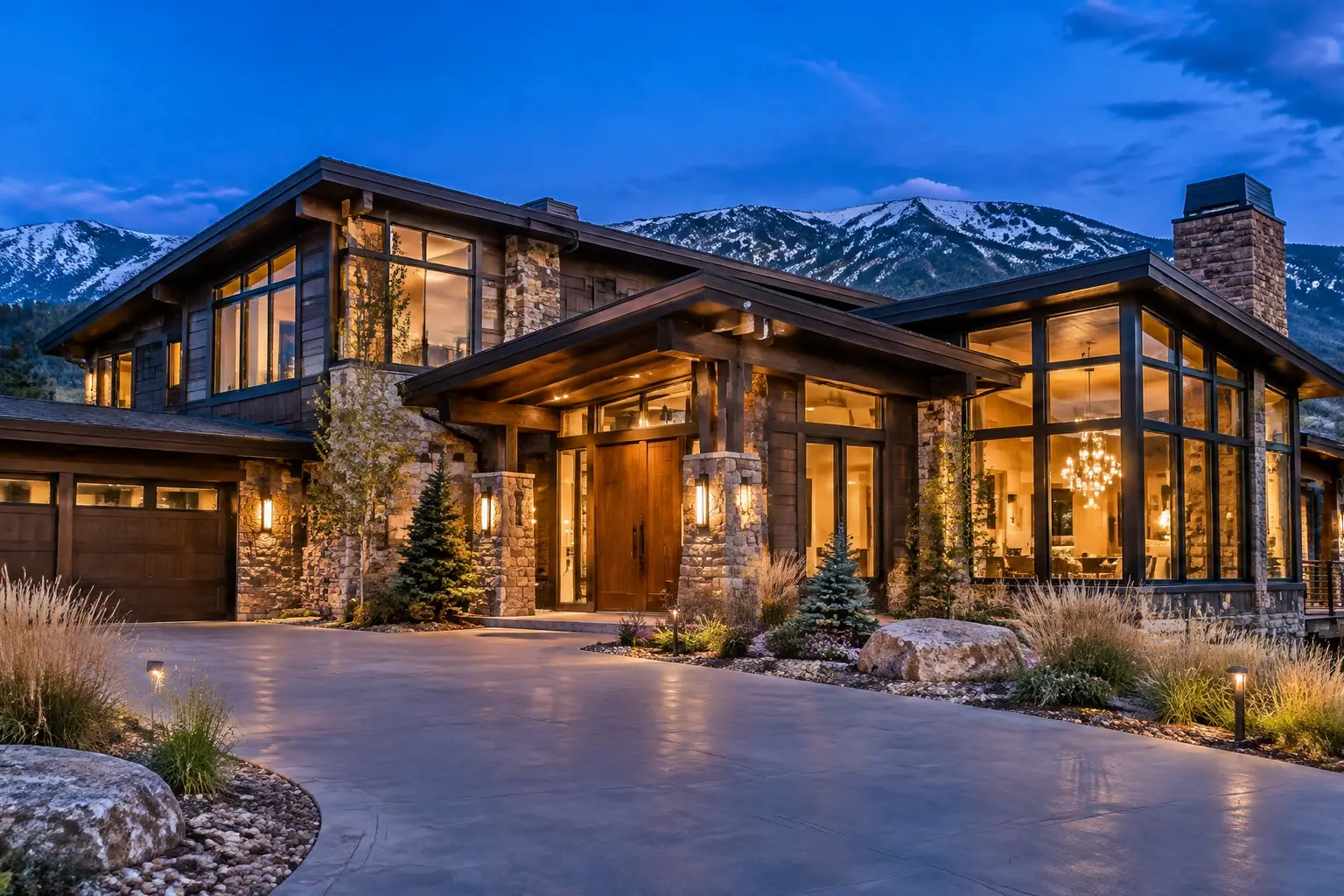
Large stone and timber Front Range home at dusk, warm lit windows, with an exterior security camera above the entry

ONE SYSTEM, NOT TEN APPS

Smart Home Installation in Denver, CO

A smart home is a coordination problem. Individually, a video doorbell, a thermostat, three brands of bulb, a lock, a garage controller and two speakers all work. Together, on a network that was never planned for them, they produce a house that half-works and a household that gives up. Smart home installation is the job of choosing devices that will still be supported, putting them on a network that can carry them, and reducing the whole thing to something anyone in the house can operate.

Planned on the propertyEntries and sightlines firstWritten scopeCabling, zones and retention agreed
Your property. Watched properly.Request form

Request a quote

A little about the property and what you want covered.

Your inquiry goes to our team. Sending a request does not schedule an installation; we will follow up about the property, the scope and availability.

§ 01 / The details

Start with a clear scope.

Use these items to frame the conversation. Final inclusions depend on the property, the existing wiring and the agreed plan.

  • Ecosystem chosen deliberately against household use and local-control needs
  • Device selection weighted toward mainstream, supported equipment
  • Network assessed first: wired backhaul, access point placement, capacity
  • Separation of camera, automation and entertainment traffic where appropriate
  • Physical switches and manual overrides retained throughout
  • A small, well-named set of scenes covering daily use
  • Voice and wall-panel control added only where the household wants it
  • Individual accounts with two-factor authentication where supported
  • Written device, network, account and automation documentation
  • A household walkthrough, not just an owner walkthrough
  • A review visit to retire automations that did not earn their place

§ 02 / The system

Choosing an ecosystem on purpose

The first decision is which ecosystem the house is organised around, and it should be a decision rather than an accumulation. Each major platform has real differences in how much runs locally, how well it handles cameras, which radios it speaks and what it does when the internet is out. Mixing is possible and sometimes necessary, but every bridge between platforms is another thing to maintain.

We pick based on what the household already uses, what the security and camera side needs, and how much should keep working without an internet connection. We also check support horizons: new standards promise interoperability, and in practice support varies by device and firmware. The aim is a house where adding a device in three years is routine rather than a research project.

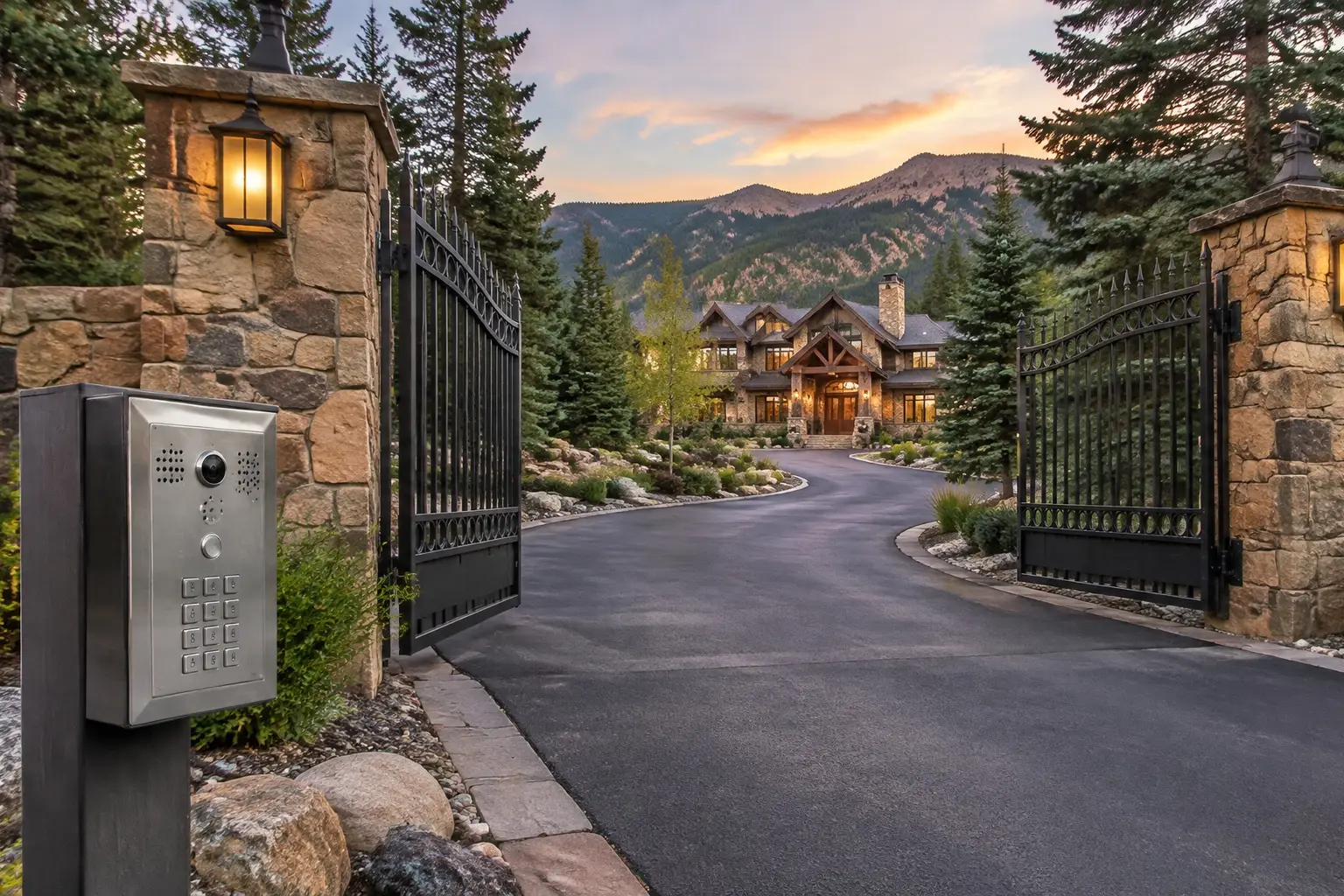
A gated private driveway entrance with stone pillars, an intercom keypad and a large home set back beyond the gates

§ 03 / The details

The network comes first

Nearly every frustrating smart home is a network problem wearing a device problem's clothes. Dozens of connected items on consumer Wi-Fi, a single router at one end of the house, cameras competing with streaming, and a mesh node connected back over the same congested radio: that produces dropouts that no amount of device replacement fixes.

So a smart home install starts with wired backhaul where possible, access points placed for coverage rather than convenience, enough addresses and bandwidth for the device count, and sensible separation so cameras and automation are not fighting with entertainment traffic. In a build or remodel this is cheap and should be over-provisioned. In a finished house it means identifying the few cable runs that will do the most good. Either way it is the foundation, and skipping it is the most expensive saving in the whole project.

§ 04 / The system

Making it usable by everyone who lives there

The test of a smart home is a house-sitter, a teenager or a visiting parent operating it without a tutorial. That means physical switches that still behave normally, labels that make sense, scenes named for what they do rather than what room they touch, and a small number of controls that cover ninety percent of daily use.

It also means resisting features that only one person in the house enjoys. Voice control is useful for some households and irritating in others. A wall tablet looks impressive and is frequently ignored. We would rather deliver eight automations everyone uses than forty nobody can explain, and we revisit the set after a few weeks to kill the ones that did not earn their place.

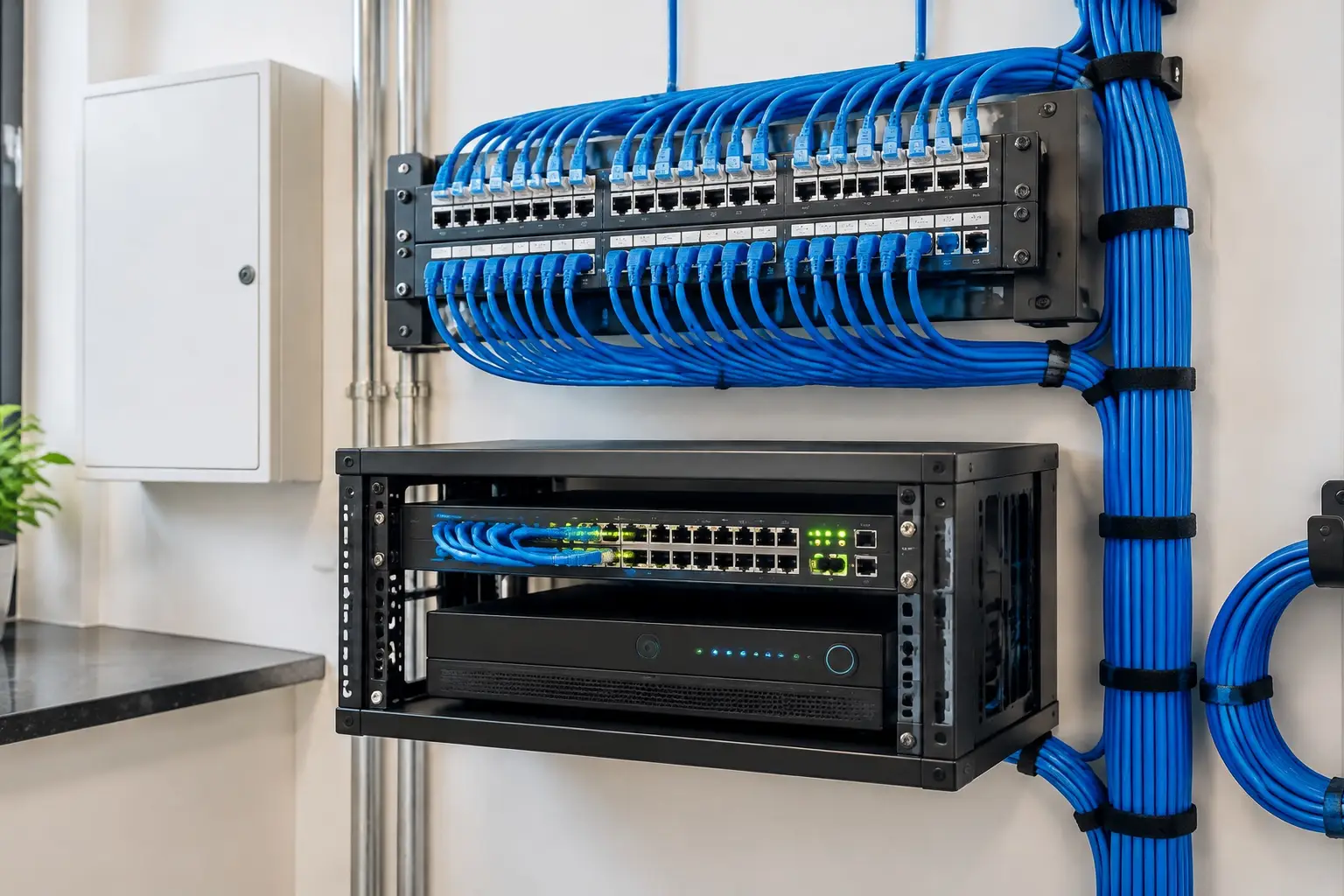
A structured wiring panel with labelled network cables feeding a switch and a video recorder

§ 05 / The details

Documentation, accounts and handover

A smart home is only as maintainable as its paperwork. At handover you should have a device list with locations, the accounts and who owns them, which devices are on which network, what each automation does, and the manual override for anything that controls a door, a light or the heating.

Accounts deserve particular attention. Shared logins cannot be revoked person by person, and a house full of devices tied to one personal account becomes a problem when that person is away or the household changes. We set up individual access where the platforms allow it, enable two-factor authentication on the accounts that matter, and note what needs doing if a device, a service or a household member changes. That is the difference between a system you own and one you are a tenant of.
§ 06 / Common questions

The questions
worth asking first.

Clear answers before anyone drills a hole. Start with what homeowners ask most.

More answers ↗

Which smart home platform should I use?

Whichever fits what your household already uses, handles your camera and security requirements, and keeps the functions you care about running locally. We make that recommendation after seeing the house and the device list rather than defaulting to one brand.

Why does my current smart home keep dropping out?

In most houses we see, it is the network: one router covering too much area, mesh nodes backhauling over congested radio, or too many devices for the setup. Replacing devices rarely fixes it. Fixing coverage, adding wired backhaul and giving the system capacity usually does.

Can you take over a system someone else installed?

Yes, and the first step is an audit: what is installed, which accounts control it, what works, what has been abandoned and what is holding the rest back. Sometimes the right answer is to consolidate onto one platform; sometimes it is to fix the network and leave the devices alone.

Is a smart home worth it in a house we might sell?

The parts that stay with the building are: structured cabling, a good network, lighting control, and anything built into walls. Those are genuine improvements. Devices tied to personal accounts are less transferable, so we document what hands over and what needs removing from your accounts at a sale.

How much of it works without internet?

As much as we can arrange. Local hubs, local camera recording and switches that work mechanically keep a house functional offline. Remote access, voice assistants and cloud-only devices do not. We write the list of internet-dependent functions into the handover so nothing is a surprise.

§ 07 / The details

Local installation. Metro-wide planning.

Choose your area for the local approaches, permit questions and covenant rules that come up there.

§ 08 / The details

Related systems for the same property.

A good system starts with the walk around the house.

Tell us about
the property.
And the blind spots.

The entries, the driveway, what the existing wiring can carry and what the covenants allow. Those four details shape a system worth paying for.

  • Say which approaches you cannot see today.
  • Tell us about existing cabling, panels or a prior system.
  • Agree the scope, the zones and the retention before work starts.
Your property. Watched properly.Request form

Start with your property

A little about the property and what you want covered.

Your inquiry goes to our team. Sending a request does not schedule an installation; we will follow up about the property, the scope and availability.

Cameras where they matter. Nothing you cannot use.

Know what
happens at
your door.

Call (720) 487-1226
Colorado Home Security · DenverCall (720) 487-1226
Your property. Watched properly.Request form

Before you go: want a camera plan?

A little about the property and what you want covered.

Your inquiry goes to our team. Sending a request does not schedule an installation; we will follow up about the property, the scope and availability.